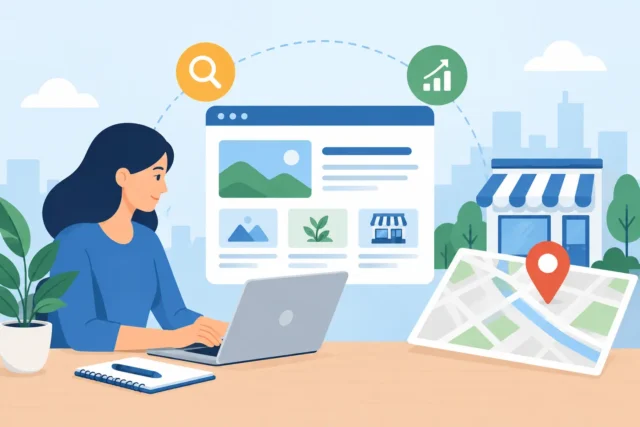
Can WordPress Websites Generate Leads Locally?
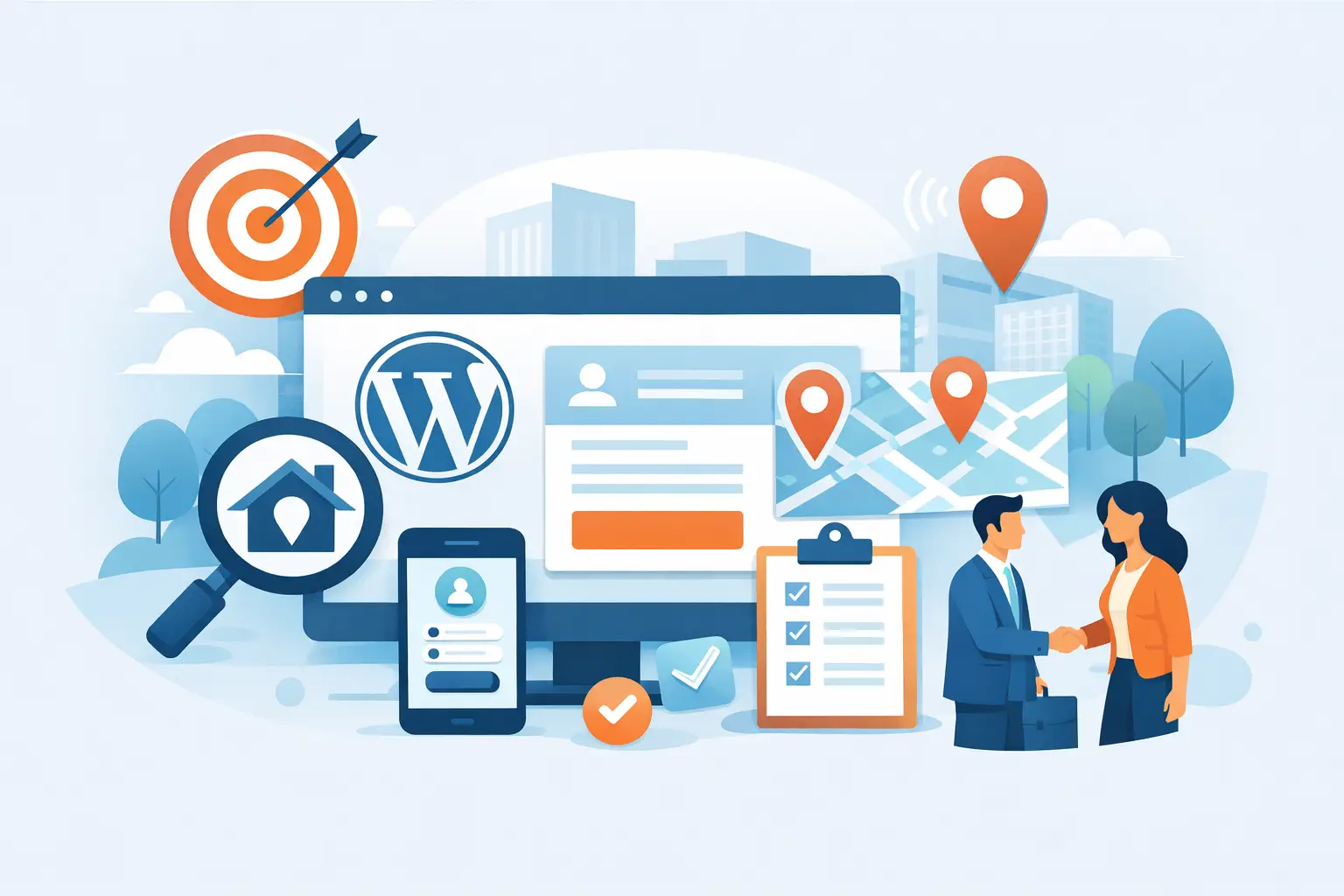
A local business website can look polished, show up when someone searches your name, and still fail at the moment that matters: turning a potential customer into an enquiry. That is why the better question is not simply can WordPress websites generate leads? It is whether your particular website gives local customers enough reason, confidence and direction to contact you.
The short answer is yes. WordPress is more than capable of supporting a lead-generating website for a plumber, solicitor, salon, joiner, consultant or any other service business in Fife and across Scotland. But WordPress itself is not a lead machine. It is the platform beneath the work. Results come from how the site is planned, written, built and maintained.
A template, a few stock photographs and a contact page may create an online presence. They do not automatically create a useful sales asset. If your website is hard to find, slow on a mobile, vague about what you do, or awkward to contact, it may be costing you enquiries rather than producing them.
How WordPress websites generate leads
A good WordPress website supports the journey a customer takes before they pick up the phone or complete a form. For most local services, that journey is straightforward. Someone has a problem, searches for a provider nearby, compares a few options, and gets in touch with the business that feels capable, credible and easy to deal with.
Your website needs to do three jobs well: be found, make a strong case for your business, and make the next step obvious. WordPress gives a business the flexibility to build all three without being locked into a rigid, one-size-fits-all system.
For example, a heating engineer in Dunfermline may need pages for boiler servicing, repairs and installations, alongside clear service-area information. A family photographer may need galleries, pricing guidance, testimonials and an uncomplicated booking enquiry route. The content and customer journey are different, but the commercial purpose is the same: turn relevant visits into qualified conversations.
The platform is particularly useful because pages can be structured around individual services and locations, content can be updated without rebuilding the entire site, and lead forms, call tracking, booking tools and automated follow-ups can be added where they genuinely help. That flexibility is valuable only when it follows a plan. Adding every available feature usually creates clutter, slower pages and more to manage.
Visibility comes before conversion
A beautifully designed website with no meaningful traffic has limited opportunity to generate leads. For local businesses, Google visibility is often the first gap to address.
A WordPress site should make it clear what you do, where you work and why customers should choose you. That means properly written service pages rather than a single general page trying to rank for everything. It also means accurate page titles, sensible headings, fast-loading images, mobile-friendly layouts and local business details that are consistent across the site.
There is no honest promise that a new website will jump straight to the top of Google. Competition, your current reputation, your Google Business Profile, local demand and the strength of other websites all play a part. However, a properly built WordPress site gives search engines a clear foundation to understand and index your business. A dated site with thin content, duplicate pages and poor mobile performance makes that task harder.
Local SEO is not about stuffing town names into every paragraph. Customers can spot forced wording, and search engines have become better at identifying low-value content. It is about creating genuinely useful pages that answer local customers’ questions. If you cover Fife, say where and how. If your emergency call-out service has a defined area, explain it. If you have experience with particular property types, industries or projects, show it with real examples.
A clear offer beats clever design
Many websites lose leads because visitors have to work out what the business actually offers. Attractive visuals matter, particularly where trust and presentation influence the buying decision. But design should clarify the message, not hide it.
When someone lands on your homepage, they should quickly understand what you do, who you help, the area you cover and how to contact you. They should not need to scroll through a slogan, a large image and three abstract statements before finding the basics.
Service pages matter even more. A visitor searching for a specific service has stronger intent than someone casually browsing. Give them the information needed to decide whether you are a fit: the problem you solve, what is included, the types of customer you work with, evidence of your experience, and a practical route to enquire.
You do not need to publish every price if work is tailored. But leaving people completely in the dark can attract unsuitable enquiries or cause good prospects to leave. In many cases, explaining your process, typical project scope or the factors that affect cost gives people enough confidence to start a conversation.
Trust is a lead-generation feature
Local customers are not only buying a service. They are choosing who to let into their home, hand a project to, or rely on for advice. A WordPress website should reduce that perceived risk.
Real testimonials, case studies, professional photographs, certifications, clear contact details and an identifiable team all help. So does basic attention to detail. Broken pages, old copyright dates, blurry photographs and generic copy make a business look less dependable, even when the service itself is excellent.
Case studies are especially useful for higher-value or considered services. They move beyond the claim that you do good work and show what happened in a real job: the client’s challenge, the work completed and the outcome. Keep them specific and readable. A short story with genuine detail is more persuasive than a page of broad claims.
Trust also depends on what happens after the form is submitted. If a potential customer receives no acknowledgement, waits days for a reply or has to repeat their details, the website has done only half its job. WordPress can connect forms to email notifications, customer relationship systems and simple automated responses. The right setup makes follow-up more reliable without making your business feel impersonal.
Make it easy to enquire on a mobile
Most local service searches happen on a phone, often when a customer needs help quickly. If the number is difficult to tap, the form is fiddly, or large images take too long to load, the visitor may return to Google and choose someone else.
A mobile-first approach means prioritising the actions customers actually take. Calls, enquiry forms, booking requests and directions should be easy to find. Forms should ask for enough detail to qualify the enquiry, but not so much that people abandon them. For a straightforward service, name, contact details, postcode and a short description may be enough. For a more complex quote, a structured form can help collect project details before the first call.
There is a trade-off here. Very short forms can increase the number of leads but may bring more unsuitable enquiries. Longer forms can produce better information but reduce completion rates. The right balance depends on your service, capacity and average job value. It should be a business decision, not a default setting.
Measure the enquiries that matter
A WordPress website cannot be improved properly if nobody knows what it is producing. Traffic alone is not the goal. A hundred visits from people outside your service area are less useful than ten visits that result in serious quote requests.
Track meaningful actions such as phone calls, form submissions, booking requests and quote downloads where relevant. Then ask what happened next. Which pages bring the best enquiries? Which searches lead to calls? Are mobile visitors dropping away? Do certain services attract plenty of traffic but no suitable work?
This is where many businesses stop too soon. Launching a website is not the finish line. It is the point where real customer behaviour starts to reveal what needs adjusted. A page may need a clearer call to action. A service description may be attracting the wrong type of job. Your best-performing page may deserve stronger proof, better imagery or a more visible enquiry option.
When WordPress will not solve the problem
WordPress is a strong choice for most local service businesses, but it cannot fix a weak offer, poor response times or inconsistent customer service. Nor can it create demand where there is none. If the business is hard to reach, has no availability, or cannot explain why it is different, a new site will only expose those issues more clearly.
It also needs looking after. Updates, security, backups and performance checks are part of owning a website that supports your business. Neglect does not always cause an immediate problem, but it can lead to slow pages, broken forms and avoidable security risks over time.
The practical opportunity is this: a well-planned WordPress website can become the central place where your local visibility, credibility and enquiry process work together. It should not ask you to become a web expert. It should give customers a clear reason to choose you, then make contacting you the easiest part of their day.
If your current website gets visits but not enough calls or form submissions, treat that as a business signal rather than a design preference. A focused website review can show where customers are dropping off and what needs fixing first.
More Posts
 23 October 2026
- 22 October 2026
- Website Tips
How to Automate New Customer Enquiries Well
21 October 2026