Customer Journey Mapping Guide for Local Firms
A customer who needs a plumber, solicitor, beauty therapist or accountant will not study your website for long. They will check whether you serve their area, whether you look credible, what you offer and how to contact you. This customer journey mapping guide helps local businesses identify the moments where a potential enquiry is being lost – and what to change before another customer chooses a competitor.
A good-looking website can still cost a business work. If service pages are vague, contact details are hard to find or the site feels awkward on a phone, people leave. Customer journey mapping gives you a practical way to see the business through their eyes, rather than judging the website by whether you like the colours.
What a customer journey map actually shows
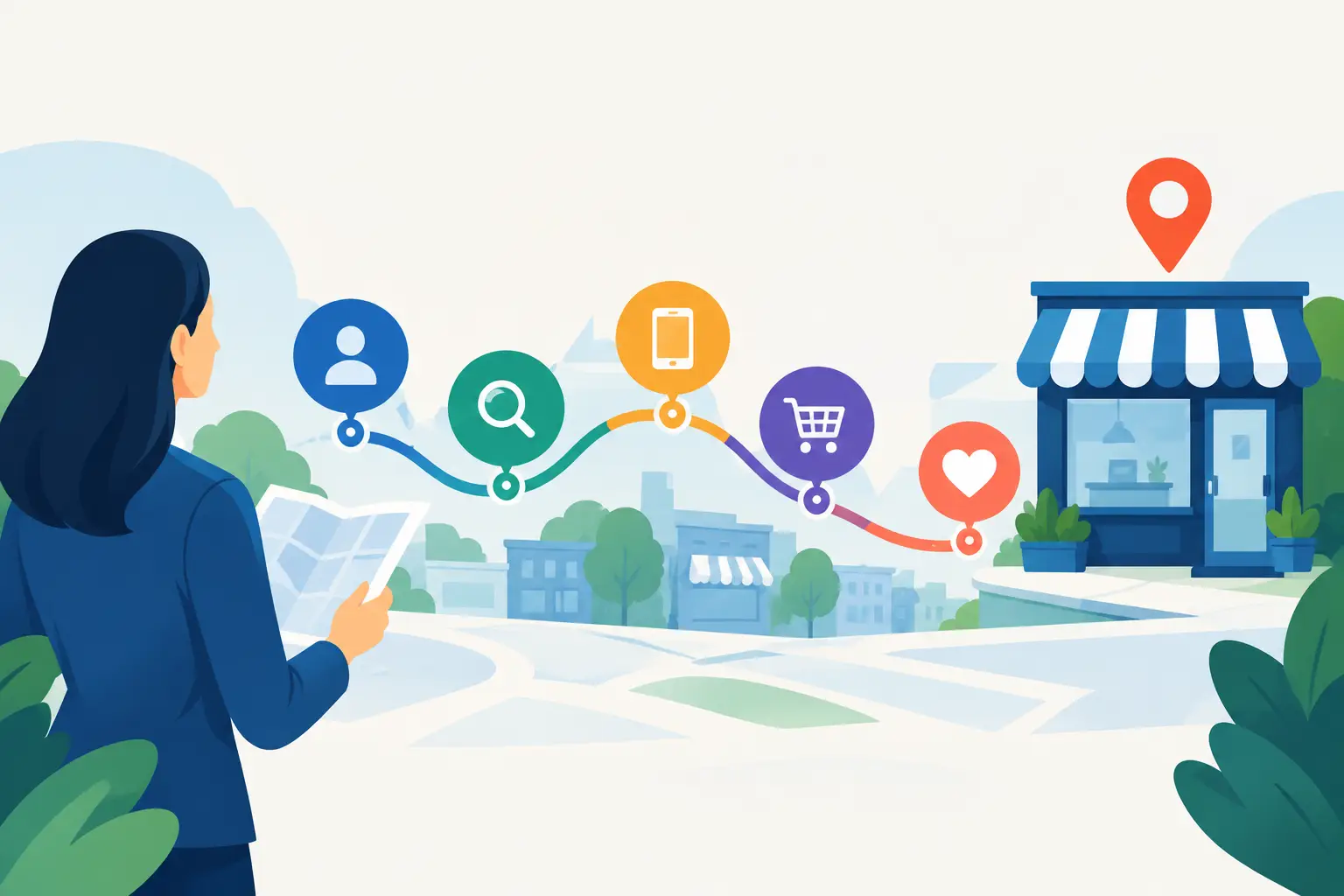
A customer journey map follows a real person from their first need through to making contact, booking or buying. It records what they are trying to achieve, where they look, what information they need and what might stop them acting.
For a local service business, the journey rarely begins with someone searching for your company name. It usually starts with a problem: a leaking roof, a need for new family photographs, an employment issue or a search for a reliable local electrician. The customer may ask friends, use Google, read reviews, compare a few websites and call only one or two firms.
That is why a journey map is not simply a marketing exercise. It connects your website, Google presence, reviews, phone handling and follow-up process. If those parts do not work together, a well-designed homepage cannot make up the difference.
Customer journey mapping guide: start with one valuable customer
Do not try to map every type of customer at once. A broad map quickly becomes vague and does not lead to useful decisions. Start with a service that matters commercially, such as kitchen fitting, family law consultations or recurring bookkeeping work.
Then choose a specific customer situation. For example: a Dunfermline homeowner whose boiler has failed and who needs help quickly, but still wants confidence that the company is legitimate and fairly priced. Or a small business owner looking for an accountant before their year-end deadline.
Write down what this person already knows, what they are worried about and what a successful outcome looks like. Avoid invented detail for its own sake. Use the questions customers ask on calls, the wording in enquiry forms, feedback from your team and patterns in reviews. If you are unsure, speak to a handful of recent customers. Their language is often more useful than internal assumptions.
Map the stages, not just the pages
Most local service journeys move through five broad stages:
- Recognising a need or problem
- Researching local options
- Comparing credibility, availability and value
- Making an enquiry or booking
- Deciding whether to proceed and recommending you later
The exact order depends on the service. An emergency locksmith journey is fast and mobile-led. A website redesign or home extension involves more comparison, more stakeholders and a longer decision period. The principle remains the same: identify the job the customer is trying to get done at each stage.
At the research stage, they may want proof that you cover Kirkcaldy or Dunfermline. At the comparison stage, they may need evidence of experience, examples of work, straightforward pricing guidance or clear reviews. At the enquiry stage, they need to know what will happen after they press submit.
Find every point where the customer meets your business
List the touchpoints involved in the chosen journey. These could include a Google search result, your Google Business Profile, a recommendation in a local Facebook group, an advert, a service page, a phone call, an online form, an email reply and a quotation.
This is where many businesses find the real issue. They may pay for adverts that send customers to a generic homepage. Or their Google profile promises a service that the website barely explains. Sometimes the website creates an enquiry, but a slow response or unclear quote loses the work later.
For each touchpoint, ask four practical questions. What does the customer want to do here? What proof or information do they need? What could make them hesitate? What is the next sensible action?
The answers should be specific. “Build trust” is too broad to improve. “Show recent local projects, explain the process and place a visible call button on mobile” is something a business can act on.
Look for friction, not just missing content
Friction is anything that makes the customer work harder than necessary. It may be technical, but it is often much simpler than that. A contact form with too many fields creates friction. A phone number that is not tappable on mobile creates friction. A site that takes too long to load creates friction. So does a page that never clearly says what the business does.
Credibility gaps deserve equal attention. A visitor may hesitate if they cannot find a service area, customer reviews, company details, photographs of real work or an explanation of who will carry out the job. Local customers are not looking for polished promises alone. They are looking for enough confidence to take the next step.
Be candid about what should not be added. Long blocks of sales copy, stock photography and a complicated menu do not automatically increase trust. If your customers need rapid reassurance, clarity beats volume.
Turn the map into website improvements
A map only becomes valuable when it changes priorities. Start with the stage where the business is losing the most qualified customers, rather than redesigning everything at once.
If people are not finding you, the priority may be clear service pages, local area relevance and stronger Google foundations. If visitors arrive but do not enquire, inspect your key landing pages on a mobile phone. Can someone understand the service, see why they should trust you and contact you within a few seconds?
Each primary service page should answer the practical questions a customer brings with them. Explain the service in plain language, who it is for, the areas you cover, what the process involves and how to get started. Support those answers with real evidence: testimonials, case studies, qualifications, team information or photos of completed work where appropriate.
Calls to action should match the decision stage. “Request a quote” works when the scope is simple. “Arrange a consultation” may be better for a professional service. For urgent work, a prominent phone number and clear availability matter more than a lengthy form. There is no single best button for every business.
The enquiry process itself needs mapping too. A person who sends a form should receive confirmation that it has arrived and understand when they can expect a reply. If the enquiry needs more detail, ask only for information that helps you respond properly. You can gather the rest in a call.
Measure whether the journey is improving
Do not rely on website traffic alone. More visits are not useful if they are the wrong people or they do not turn into conversations. Track the actions that matter to the business: calls, form submissions, booked consultations, quote requests and work won.
Combine website data with what happens offline. Ask new callers how they found you. Record whether enquiries are suitable, how quickly they receive a response and why quotations are accepted or declined. A website may generate plenty of leads while the real conversion issue sits in the handover between form submission and follow-up.
Review the map after significant changes, new services or recurring customer feedback. It should be a working document, not a workshop exercise filed away and forgotten. Seasonal businesses may need different maps for different periods, while firms serving homeowners and commercial clients may need separate journeys entirely.
Use the map to make better decisions
A customer journey map gives you a useful test for every website decision: does this make it easier for the right customer to move forward? If the answer is unclear, the feature may be a distraction.
MonoWeb uses this kind of thinking before design and development because a website should support the way customers actually choose a local business, not simply present information attractively. A free website review can also help identify where the path from search to enquiry is breaking down.
The best next step is modest but concrete. Pick one high-value service, map the journey honestly, test the enquiry route on your phone and fix the biggest point of hesitation first. That is how a website begins earning its place as a business asset.
More Posts
 30 October 2026
- Business tips, Website Tips
AI Search: What It Means for Local Businesses
25 October 2026 - 24 October 2026