Make.com for Small Business Owners: What It Does and Why It Matters
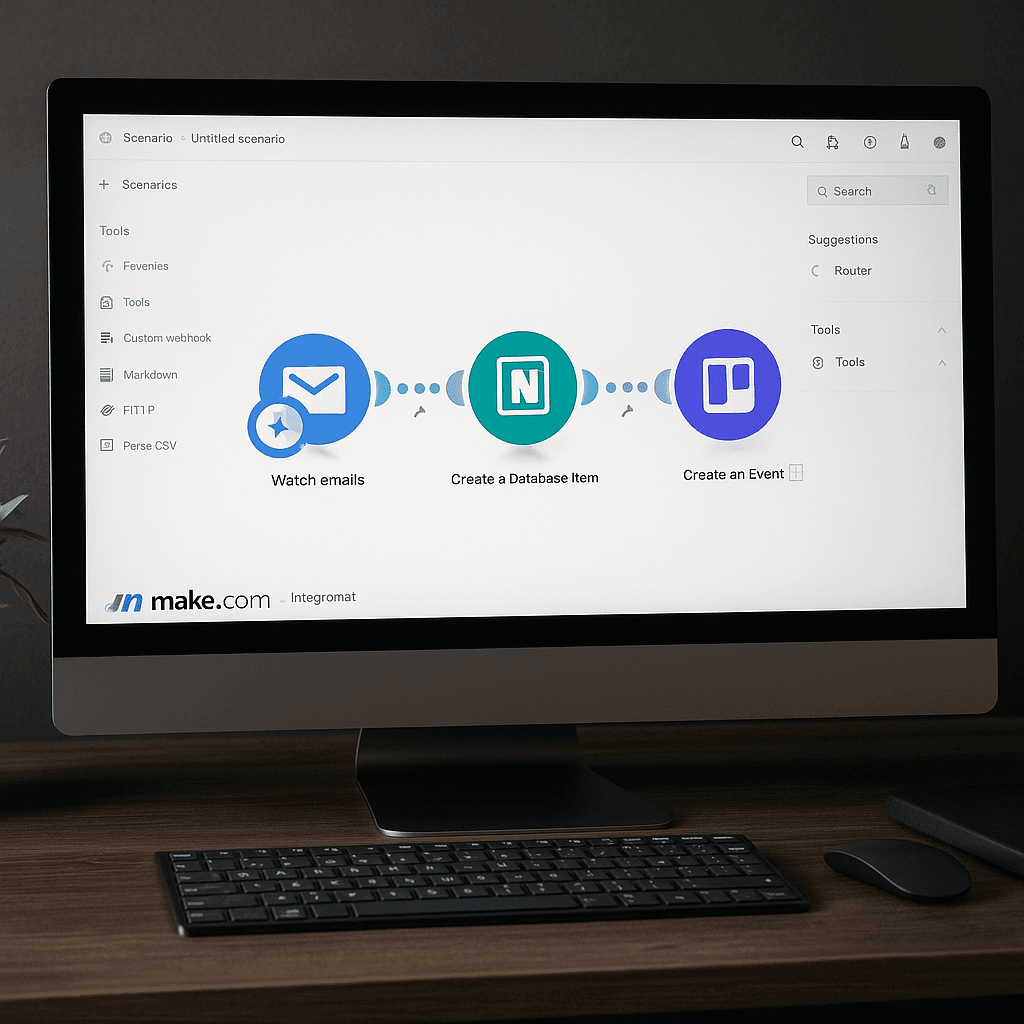
If you’re spending more than an hour a week on repetitive admin tasks — copying information between apps, sending the same follow-up emails, manually creating invoices, or updating spreadsheets — there’s a good chance Make can handle most of that automatically. It’s one of the most practical tools available to a small business owner who wants to work more efficiently without hiring extra help or learning to code.
What Make Actually Is
Make (formerly known as Integromat) is a visual automation platform. You connect the apps you already use — Gmail, Google Calendar, Notion, WordPress, your invoicing tool, WhatsApp, Slack — and create workflows, called scenarios, that trigger actions automatically when something happens.
For example: when someone fills in your contact form, Make can instantly send them a confirmation email, create a task in your project tool, add their details to a CRM spreadsheet, and notify you on your phone. All of that happens in seconds, without you doing any of it manually.
Why It’s Particularly Useful for Service Businesses
Service businesses tend to have predictable, repeatable processes — enquiry, proposal, project, invoice, follow-up. When those steps always happen in the same order, they’re worth automating. Make is well-suited to this because its scenarios are built around “when this happens, do this” logic, which maps neatly onto how service businesses actually run.
The most valuable automations tend to be the ones closest to your clients: making sure enquiries are acknowledged immediately, ensuring follow-ups happen on time, and reducing the chance that a lead goes cold because it slipped through the cracks. Read more about automating client-facing admin tasks for a broader view of what’s possible.
How Make Compares to Zapier
Zapier is Make’s most direct competitor. Both connect apps and automate workflows. Make tends to offer more flexibility and a more visual interface for complex automations, while Zapier’s simpler setup makes it easier for first-timers. Make also has a more generous free tier, which matters when you’re trying tools out.
For basic automations — contact form to email to task creation — either tool works well. For anything more complex involving multiple steps, conditional logic, or data transformation, Make is usually the better choice.
Getting Started Without Getting Overwhelmed
Make has a learning curve, but it’s manageable if you start with a single, clear goal. Before touching the tool, map out the exact process you want to automate on paper. Write down the trigger (what causes the automation to start), the steps (what happens in order), and the end result. Make that simple flow work first before building anything more complex.
The Make community and documentation are extensive, and there are ready-made templates for many common small business automations that you can adapt rather than building from scratch.
What Make Won’t Do For You
Make automates processes that already exist. If your enquiry handling is disorganised, automating it will make the disorganisation faster. Before you add automation, it’s worth making sure the underlying process is clear and works well manually — even if only briefly.
It also won’t generate enquiries. Your website, your local SEO, and your reputation do that. Once enquiries are arriving, Make helps you handle them better and convert more of them. If you’re not yet getting enough enquiries from your website, that’s the more pressing issue to address. Take a look at what MonoWeb does for local service businesses, or get in touch to talk through what your site needs.
More Posts
 13 November 2026
- Website Tips
Fife Web Design Guide for More Enquiries
11 November 2026 - Website Tips
What Are the Best Web Design Agencies in the UK?
8 November 2026