Did You Know You Can Create Full Websites Without Code Using AI and WordPress?
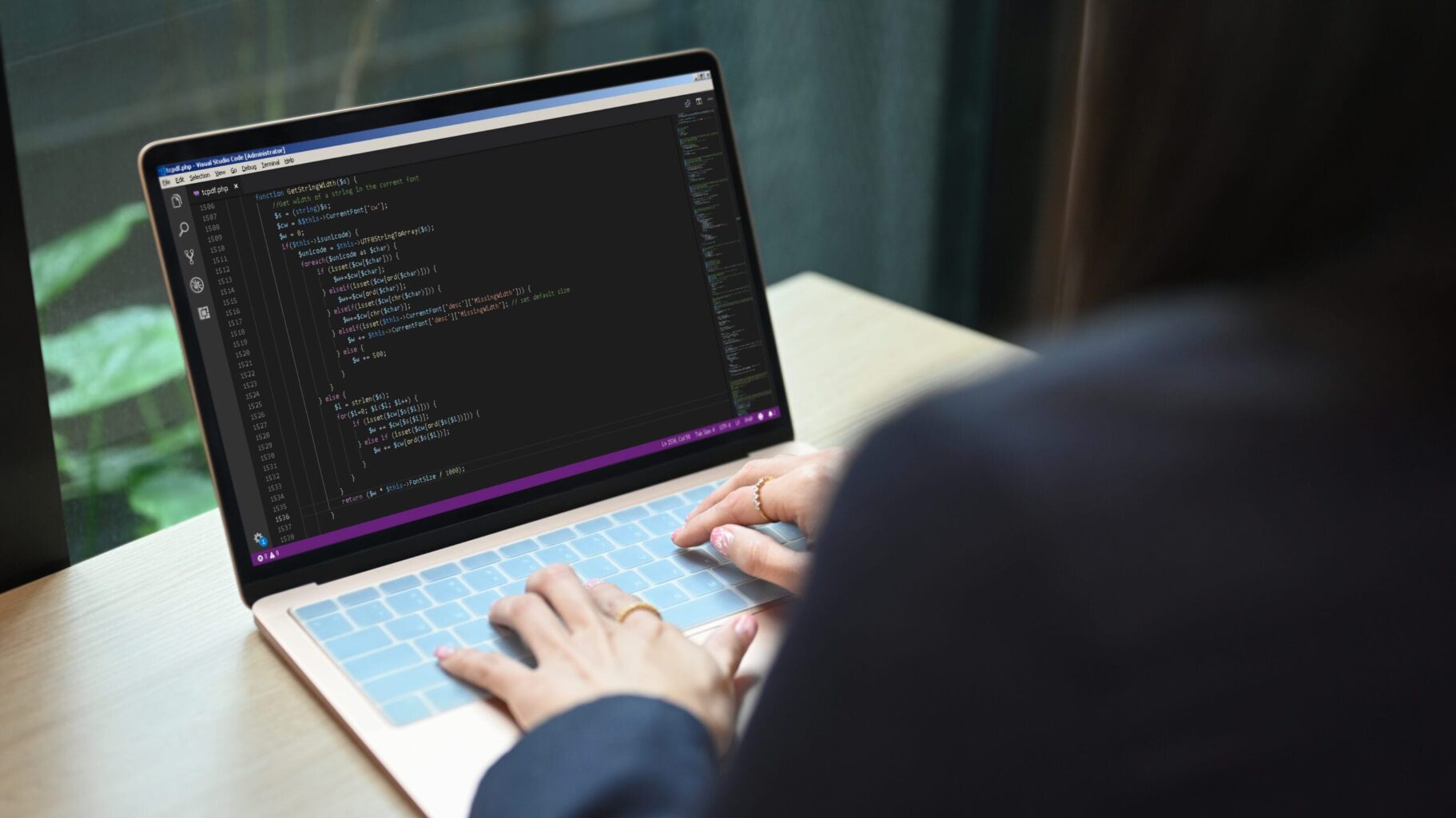
Building a website used to mean long hours of coding, hiring a developer, or wrestling with complicated design tools. But not anymore. Thanks to AI and intuitive platforms like WordPress, creating a complete, professional-looking website without writing a single line of code is not just possible — it’s easier than ever.
Whether you’re launching a business, building a personal brand, or starting a blog, the no-code movement, powered by AI, is opening doors for anyone with an idea and internet access.
What Does “No-Code Website” Actually Mean?
A no-code website is one you can build using visual editors, drag-and-drop tools, and pre-built templates — no programming knowledge required. Tools like Elementor Pro, Spectra, and Kadence Blocks for WordPress make it easy to customise everything from headers and layouts to animations and contact forms.
With no-code tools, you’re working with building blocks instead of raw code. Want to add a testimonial section or a gallery? Just drag it into place. Change colours or fonts? Pick them from a panel. It’s all intuitive, visual, and fast.
How AI Is Making Web Design Even Easier
AI tools take no-code to the next level. They can now:
-
Write your content: Headlines, service descriptions, blog posts
-
Suggest layouts: Based on your niche or preferred style
-
Generate logos, colour schemes, and graphics
-
Optimize performance: Compress images, improve loading speed, suggest SEO improvements
These capabilities save time and help create professional-quality designs without hiring a full creative team.
One-Click Website Creation? Meet Lovable
A great example of this evolution is Lovable — a tool that uses AI to generate entire websites with just a few inputs. You start by describing your business or idea, and Lovable will:
-
Create a multi-page website structure (Home, About, Services, Contact)
-
Write all the content
-
Suggest a design and colour palette
-
Allow export to platforms like WordPress for full ownership
In just a few minutes, you get a polished, responsive site. You can edit everything it generates or use it as a starting point to customise further in WordPress.
Why AI + WordPress Makes Sense
Using AI tools like Lovable in combination with WordPress gives you the best of both worlds:
✅ Speed: Build faster with ready-made content and layouts
✅ Flexibility: Export to WordPress for full control and scalability
✅ Cost-effective: Avoid paying thousands for a basic website
✅ User-friendly: No need to touch code or install complex software
✅ SEO-Friendly: Many tools are optimised for speed and search engines
But Is AI Right for Every Website?
AI and no-code tools are powerful, but they’re not perfect. Here are some pros and cons to consider:
Pros:
-
Accessibility: Anyone can build a site, regardless of tech skills
-
Speed: Launch a site in hours, not weeks
-
Cost savings: Reduce design and development expenses
-
AI-generated content: Saves time on writing and planning
Cons:
-
Generic results: AI can sometimes produce content that lacks personality or depth
-
Limited customisation: Fully custom features may require manual development
-
Learning curve: Still requires a bit of time to understand how the tools work
-
Dependence on platforms: You may rely on third-party tools unless exported to WordPress or similar
Final Thoughts
The ability to create stunning, fully functional websites without coding is a game changer — and AI is only making it easier. Tools like Lovable, combined with WordPress and no-code builders like Elementor, mean you can go from idea to published site in record time.
If you’re on a budget, short on time, or just want to experiment with building something yourself, exploring these tools is a great place to start.
More Posts
 Uncategorized
How to Improve Website Credibility and Win Enquiries
3 October 2026- Business tips, Website Tips
Cookie Compliance Guide UK for Small Businesses
2 October 2026 - 1 October 2026