12 Best Lead Generation Tools for Local Firms
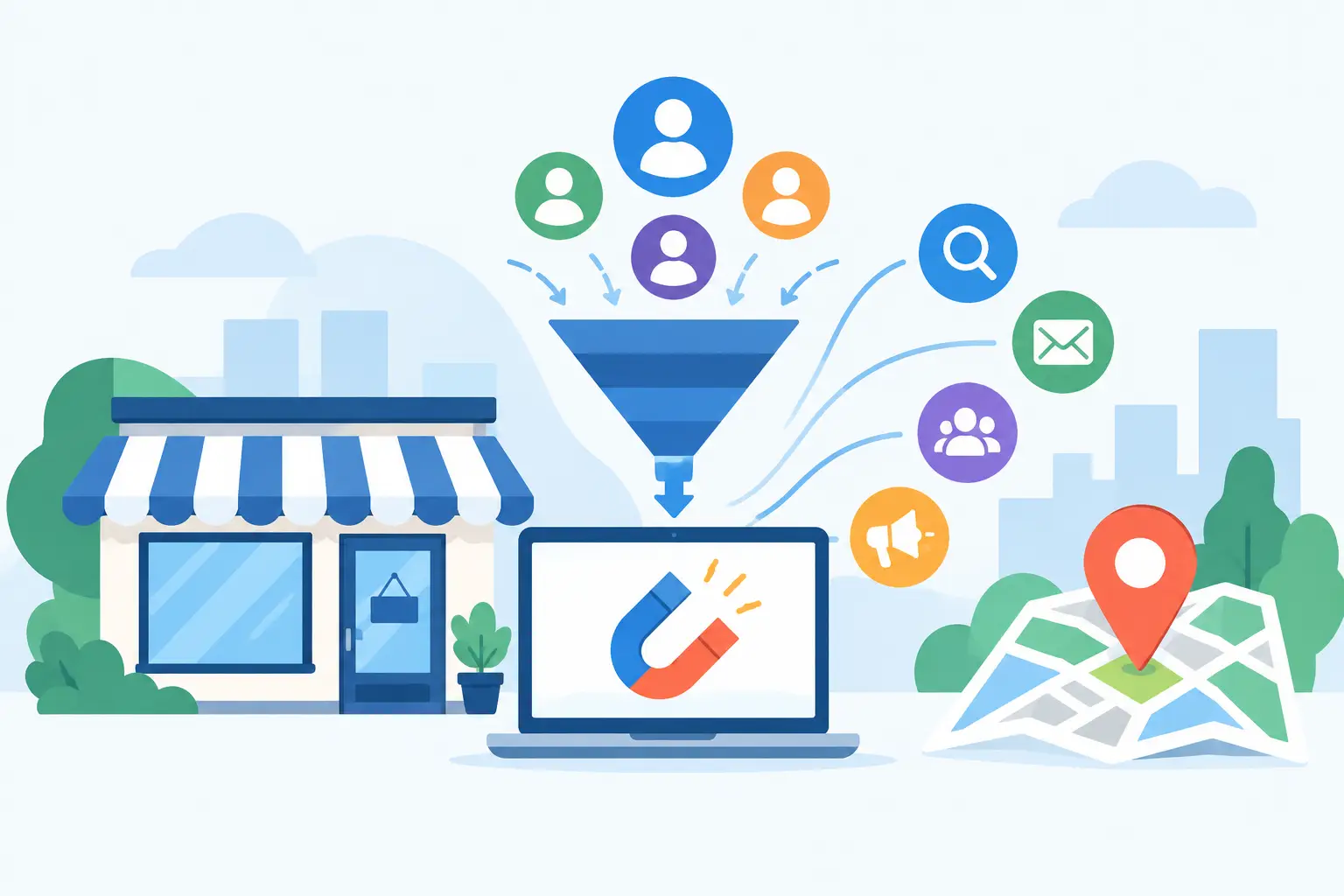
A missed enquiry is rarely caused by a lack of software. More often, it is caused by a slow website, a vague service page, a form that asks too much, or nobody following up quickly enough. The best lead generation tools help local businesses fix those gaps – but only when they support a clear route from Google search to phone call, booking or form submission.
For a plumber in Fife, a good lead is not a large list of email addresses. It is a homeowner in the right area who needs work done, understands the service offered and is ready to make contact. For a solicitor, accountant or beauty business, the detail changes, but the principle does not. Choose tools that make it easier for the right people to enquire and easier for your team to respond.
What a lead generation tool should do
A useful tool should improve one of four parts of the customer journey: attracting relevant visitors, converting their interest into an enquiry, recording what happened, or helping your business follow up. If it does not improve one of those areas, it may be another monthly cost rather than a growth tool.
This matters because a smart-looking site with no measurement is still guessing. Equally, an expensive CRM will not rescue a website that gives visitors no reason to trust you or no obvious way to get in touch. Start with the biggest weak point, not the most impressive software demo.
The best lead generation tools for local businesses
1. A conversion-focused WordPress website
Your website is the foundation. It should make your services, service area, proof of work and contact options clear on a mobile phone. Every other tool sends people somewhere, and that destination needs to earn their confidence quickly.
For local service firms, useful conversion features include prominent call buttons, short enquiry forms, testimonials, case studies, clear pricing guidance where appropriate and pages focused on individual services and locations. WordPress is a strong choice when it is properly built and maintained, because it can support these features without forcing you into a one-size-fits-all template.
The trade-off is that adding pop-ups, chat boxes and banner after banner can make a site feel desperate or slow. A clean page with one clear next step will often outperform a page crowded with conversion tricks.
2. Online forms with sensible routing
A form tool such as Fluent Forms or Gravity Forms can turn website traffic into organised enquiries. The best forms ask only for information needed to qualify and respond: name, contact details, service required, location and a short description of the job.
Good form routing matters as much as the form itself. Enquiries should reach the right person immediately, receive a confirmation message and be stored somewhere that will not be lost in a busy inbox. For businesses handling sensitive information, make privacy wording and consent clear, and collect no more personal data than you need.
Avoid turning a simple first contact into a ten-question application. If a visitor needs an urgent repair, they will not complete a lengthy questionnaire at the side of the road or between meetings.
3. Call tracking for phone-led businesses
Many local customers still prefer to call, particularly for urgent trades, health appointments and professional advice. Call tracking tools can show which marketing channels prompted those calls, helping you distinguish between activity that looks busy and activity that produces genuine opportunities.
It is particularly valuable when you invest in Google Ads, local SEO or printed campaigns with different phone numbers. You can see whether calls are being answered, when demand peaks and which campaigns generate enquiries worth pursuing.
There is a privacy and practical consideration here. If calls are recorded, tell callers clearly. Tracking data is useful only if someone reviews it and acts on what it reveals, such as missed calls at lunchtime or repeated questions that your website should answer.
4. A CRM that your team will actually use
A customer relationship management system, or CRM, keeps leads out of scattered emails, notebooks and WhatsApp messages. HubSpot and Pipedrive are common options for small businesses because they can track a lead from first enquiry through quotation, sale and follow-up.
The right CRM should show who enquired, what they need, when they were contacted and what the next action is. That alone prevents a surprising amount of lost business. It also gives you a more honest view of which services and marketing channels lead to work.
Do not buy enterprise-level software just because it promises every feature imaginable. A small team normally needs a simple pipeline, reminders, notes and reporting before it needs complex automation. Complexity is only valuable when it saves time rather than creating another admin job.
5. Booking software for appointment-based services
For consultants, salons, clinics and businesses offering site visits, online booking removes the back-and-forth that stops people committing. Calendly, Microsoft Bookings and specialist sector platforms can let prospects choose an available time while automatically sending reminders.
Booking works best for a defined first step: a 20-minute consultation, a survey slot or an introductory appointment. It is less suitable where every job requires detailed discussion or where availability changes constantly. In those cases, an enquiry form followed by a prompt personal response can feel more appropriate.
Set boundaries around your diary. Offer suitable slots, include realistic buffers for travel and make clear what the appointment covers. A booking tool should protect your time, not give it away.
6. Google Business Profile management
Google Business Profile is not traditional lead generation software, but for a local business it is one of the most important enquiry sources. It supports visibility in local search, maps, calls, direction requests and reviews. A well-managed profile can bring high-intent customers to your website or straight to the phone.
Keep business details, opening hours, service areas, photographs and service categories accurate. Ask satisfied customers for genuine reviews as part of a normal handover process, rather than only when trade is quiet. Respond professionally to reviews, including the awkward ones.
It will not compensate for a poor website or weak service, but it gives nearby customers the reassurance they often need before making contact.
7. Email follow-up and automation
Email platforms such as ActiveCampaign or Mailchimp can help keep warm prospects from going cold. This is useful when customers need time to compare providers, seek approval or plan a larger project. A short, helpful follow-up sequence can reinforce expertise without chasing people aggressively.
For example, a kitchen installer might send a guide to planning a renovation after an initial enquiry. An accountant could send practical information about changing accountant before a consultation. The point is to answer the questions that slow decisions, not to send generic newsletters every week.
Automation needs care. If a person has already booked, bought or asked not to be contacted, your system should reflect that. Poorly timed automated messages make a small business look less attentive, not more efficient.
8. Live chat and website messaging
Live chat can capture questions from visitors who are not ready to call. It is most useful when somebody can respond during advertised hours or when an automated message sets honest expectations about response times.
For straightforward questions about availability, coverage or services, chat may reduce friction. For complex quotes, legal advice or sensitive matters, it can create fragmented conversations and duplicate admin. A clear phone number and well-designed form may be the better route.
Do not install chat simply because competitors have it. Test whether it creates qualified enquiries and whether your team can maintain it properly.
9. Quote and proposal software
Once an enquiry arrives, slow quoting can waste the marketing effort that generated it. Tools such as PandaDoc or better-organised proposal templates can speed up estimates, present options clearly and show when a prospect has opened a quote.
This is lead conversion rather than lead capture, but the distinction matters less to the customer. They judge the whole experience. A prompt, professional proposal with clear scope, timings and next steps often wins against a cheaper quote that arrives late and creates uncertainty.
10. Reporting tools that connect the dots
Google Analytics, Search Console and simple dashboard reporting help you understand where enquiries begin. Used together with form, call and CRM data, they can reveal which pages create leads, which searches bring local visitors and where people abandon the journey.
Do not obsess over traffic totals. One hundred visitors looking for your exact service in Dunfermline can be worth far more than thousands of irrelevant visits. Measure calls, forms, booked consultations, quote requests and confirmed work wherever possible.
How to choose without creating a costly stack
Before subscribing to anything, map your current enquiry process. How do people find you? What do they see first? Where do they hesitate? Who receives the enquiry? How quickly do they respond? Where is the outcome recorded? The answers usually expose the first improvement worth making.
For many local businesses, a practical starting stack is a fast website, a well-placed form, clear phone tracking or call handling, and a simple CRM. Add booking, email automation or chat only when there is a clear reason. You do not need twelve subscriptions to generate more leads.
Also consider ownership. Your business should retain access to its website, domain, analytics, CRM and lead data. If an agency or supplier controls everything, changing provider becomes harder than it should be. Good support is valuable; being trapped is not.
The right tool is the one that makes a genuine customer enquiry easier to win and easier to manage. Start by reviewing the path a potential customer takes on your website today. If that path is unclear, fixing it will likely produce a better return than adding another piece of software.
More Posts
 15 September 2026
- Website Tips
Customer Journey Mapping Guide for Local Firms
14 September 2026 - Website Tips
SEO Versus Paid Advertising: What Works Locally?
13 September 2026