How to Reduce Missed Appointments for Local Firms
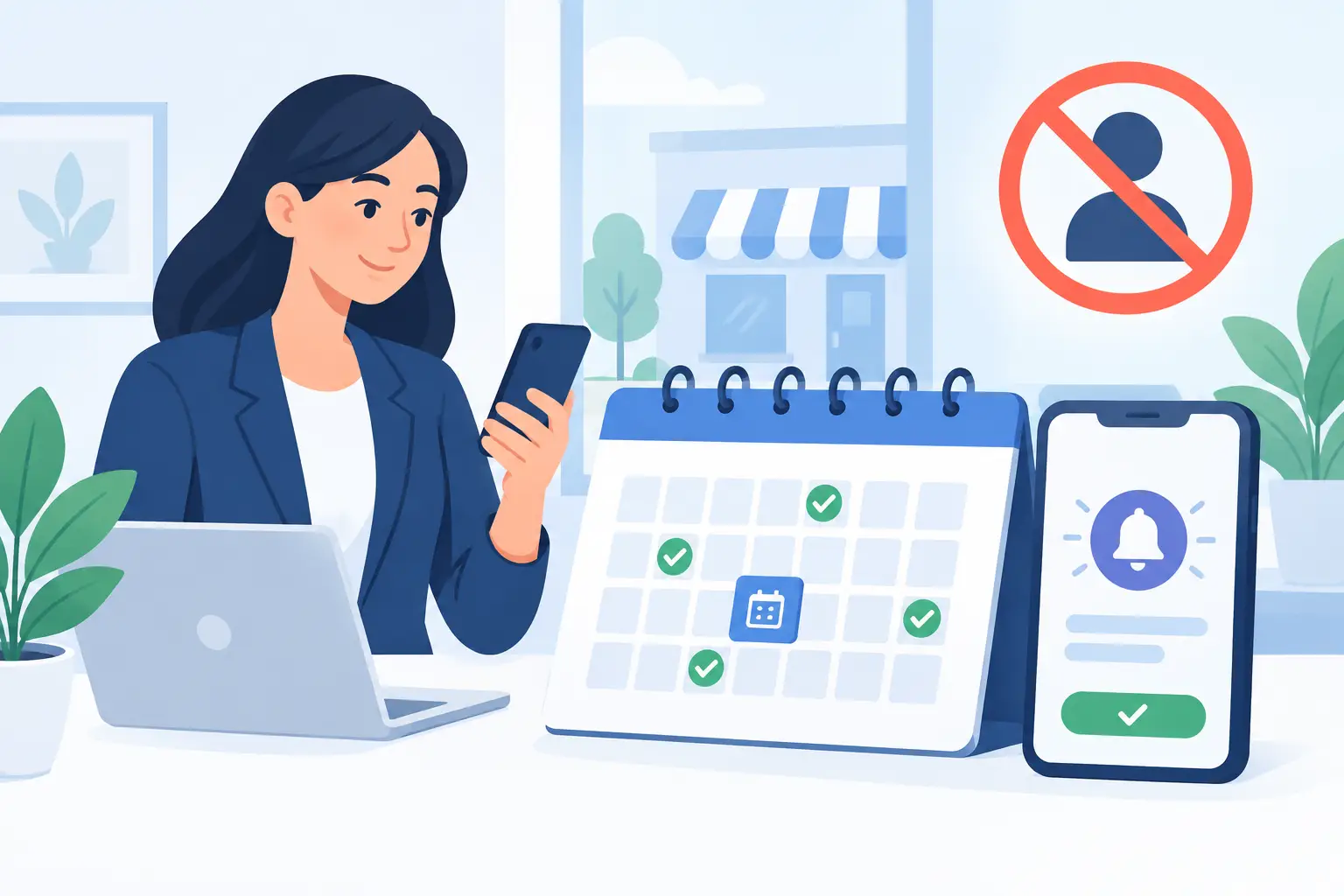
A missed appointment is not a minor diary issue. For a local service business, it can mean a fitter travelling to an empty property, a salon chair sitting unused, or a consultant losing an hour that could have gone to a paying client. Learning how to reduce missed appointments is about protecting revenue, staff time and the customer experience – not simply sending more texts.
The answer is rarely one reminder message. No-shows usually happen because the booking process is vague, the customer has no easy way to rearrange, or the appointment has not felt important enough to hold in their diary. Fix those gaps and attendance improves without making your team chase people all day.
Why customers miss appointments in the first place
Most people do not deliberately set out to waste your time. They forget, confuse the date, cannot find the original confirmation, or realise too late that they have a clash. A customer who has booked online in 30 seconds may also have little sense of the value of the slot they have taken.
There is another uncomfortable possibility: the appointment journey has given them no reason to commit. If your website is unclear about what happens next, your booking form feels impersonal, or the confirmation gives only a date and time, the booking can feel provisional. That makes it easy to let it slide.
For home visits and trades, no-shows can also be caused by poor expectation-setting. If a customer does not know whether you need access to a boiler, parking nearby or someone over 18 at the property, they may be technically booked in but not ready for the visit.
The right solution depends on your service. A hair appointment, initial legal consultation and electrician call-out carry different costs and customer expectations. The principle is the same: make the commitment clear, make attendance easy and make rearranging simpler than disappearing.
How to reduce missed appointments before the booking is made
Start with the booking page or enquiry process. This is where attendance is often won or lost.
Make the appointment feel specific and worthwhile
Avoid vague confirmations such as “We will be in touch shortly” when a customer has selected a time. State exactly what they have booked, how long it will take, who they will meet where relevant, and what outcome they can expect.
For example, an accountancy firm might confirm a 30-minute tax planning call and ask the client to have their latest figures to hand. A plumbing business might confirm a two-hour arrival window, explain that an adult needs to be present, and say what the engineer will assess. These details make the booking real.
Your website should also be honest about availability. Do not force customers through a form that suggests they have secured a slot if someone still needs to check the diary manually. That creates confusion from the outset. If availability is subject to confirmation, say so clearly and explain when they will hear back.
Collect the right contact details, not every detail
At a minimum, you need a reliable mobile number and email address for booked appointments. Check that your form makes both fields clear and that it catches obvious typing errors. If your customers usually prefer calls or text messages, do not rely only on email reminders that may sit unread.
Keep the form short, though. A long form creates drop-off and can lead people to enter rushed or inaccurate information. Ask only for information that helps you prepare for the appointment or contact them effectively.
Set a cancellation and rescheduling policy people can understand
A policy hidden in tiny text at the bottom of a page will not change behaviour. Use plain language before the booking is completed: explain the notice required, whether a deposit applies and how to rearrange.
The aim is not to sound punitive. A reasonable policy protects your time while giving customers a fair route to change plans. For high-demand appointments, deposits or card details can be sensible. For a first consultation in a professional service, a reminder and simple rescheduling route may be enough. Charging a fee where the appointment is easy to replace may create more friction than it saves.
Use reminders that prompt action, not irritation
Reminder messages work best as a sequence rather than a one-off. Send a confirmation immediately after booking, then a reminder far enough ahead for the customer to make a change, followed by a short prompt nearer the time.
For many service businesses, that means an email or text confirmation straight away, a reminder 48 to 72 hours before, and a final text 24 hours before. Same-day bookings need a shorter sequence. A customer booking a haircut for Friday may need different notice from someone arranging a survey for a new kitchen.
Each message should answer the questions the customer is likely to have: when is it, where is it, who are they meeting, what should they bring or prepare, and how can they rearrange? Include the full date, not only “tomorrow”, because messages are often read later than intended.
Keep the tone helpful and professional. “Reply C to confirm or use the link below to rearrange” gives a clear next step. “Failure to attend will result in a charge” may be necessary in some sectors, but it should not be the whole message. People respond better when the instruction is simple and the value of the appointment is clear.
Make rescheduling easier than a no-show
Many missed appointments happen because a customer cannot find a convenient way to change the time. They mean to call, forget, and then feel awkward when the appointment has passed.
Give customers a direct route to reschedule from every confirmation and reminder. This could be an online booking page that shows available slots, a reply-to-text option, or a clearly stated phone number during working hours. The best method depends on your team capacity and the type of service, but it must be easy to use on a mobile phone.
There is a trade-off here. Fully automated self-booking can save administration, but it needs sensible rules around lead times, travel areas and staff availability. A local trades business may need a request system for complex jobs rather than open diary access. Even then, the customer should be able to say “I need to change this appointment” without starting from scratch.
Remove friction from your website and follow-up process
An underperforming website can contribute to missed appointments long after the original enquiry. If the confirmation page is poorly designed, the booking form does not send notifications reliably, or the site is difficult to use on a phone, customers are less likely to keep track of their booking.
Review the full journey as if you were a customer. Submit a test enquiry on a mobile, check how quickly the confirmation arrives, and see whether the message gives you enough information to attend. Check that your team receives the same details and that the appointment reaches the correct diary.
This is where automation can remove avoidable admin. A properly configured workflow can send confirmations, add appointments to the right calendar, schedule reminders and flag unconfirmed slots for a quick follow-up. It does not replace good customer service. It gives your team more time to provide it.
MonoWeb often sees local businesses investing in a better-looking site while leaving these practical conversion details unresolved. A website should not only generate enquiries. It should help turn those enquiries into kept appointments and paid work.
Track the pattern before changing everything
Do not guess why appointments are being missed. Record the basics for four to eight weeks: service type, booking source, notice given, reminder delivery, whether the customer confirmed and whether they attended. You may find that no-shows cluster around a particular time of day, staff member, service or channel.
Look for these four patterns:
- Appointments booked far in advance may need an additional reminder.
- Customers who book through a general enquiry form may need a clearer confirmation step.
- First-time clients may need more preparation information than returning customers.
- Certain services may justify a deposit, while others are better protected with a waiting list.
A waiting list is particularly useful when demand is high. If someone cancels, you can offer the slot to customers who have asked for an earlier appointment. That turns a cancellation from lost capacity into an opportunity, provided your process is quick enough.
Train the team to protect the diary consistently
Even the best system breaks down if staff use it differently. Agree who confirms appointments, when reminders are sent, how late cancellations are handled and when someone should call rather than send another automated message.
Consistency matters more than a complicated process. If a customer receives three different messages from three members of staff, trust drops. If a receptionist promises one thing but the website says another, disputes follow. A short written process gives everyone a reliable way to handle bookings without making it feel scripted.
Start with one practical improvement this week: test your own booking journey, then fix the clearest point of friction. A customer who can see the value of the appointment, prepare properly and rearrange without hassle is far more likely to turn up – and far more likely to book again.
More Posts
 22 October 2026
- Website Tips
How to Automate New Customer Enquiries Well
21 October 2026 - Business tips, Website Tips
Electrician Redesign Results That Win More Enquiries
19 October 2026